
FSMv5: Access & Login
Summary
This Job Aid is for all FSM users who need to access and login to the FSM website.
| Access & Login |
Access the FSM site at: https://fsm.viasat.com/

On the Login page, you will enter your Username and Password.
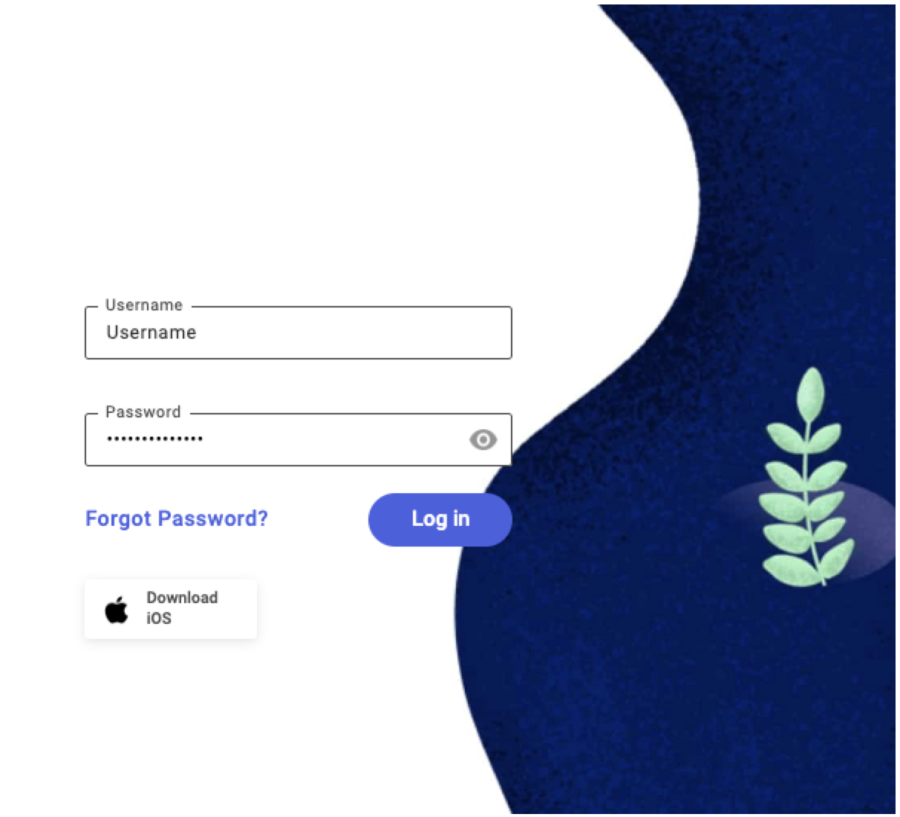
Click Log in
After logging in for the first time using your Username and temporary Password, you will be instructed to change your password.
Password Requirements
The password must…
- be between 14 and 24 characters
- 5 of the characters must be different
- contain 3 of the following 4 character sets:
- Lowercase letters
- Capital letters
- Digits Special characters like: !@#$%^&*()
09272024